Today I learned about Inter-Process-Communication. Although it sounds trivial to transfer data/information between different (Linux) processes. It is actually quite complex. Luckily, the OS is handling most of the complexity so you only left to chose the IPC type. In this article I’ll explain the original complexity, and the different types available in sort.
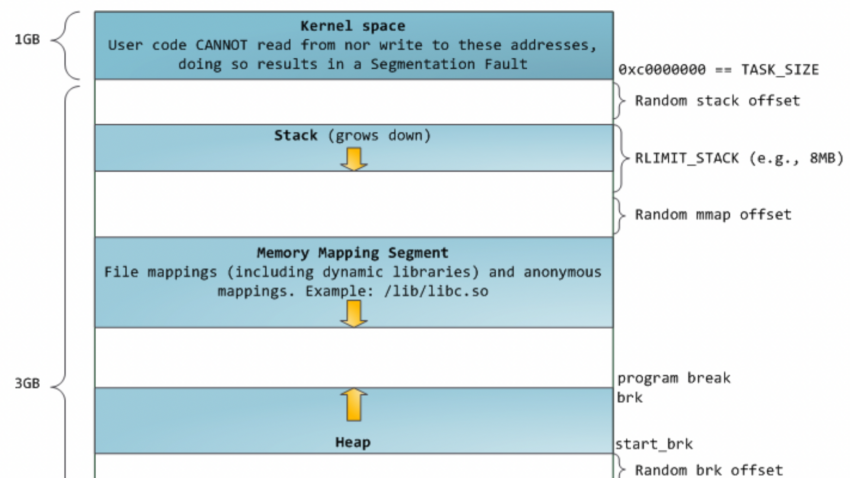
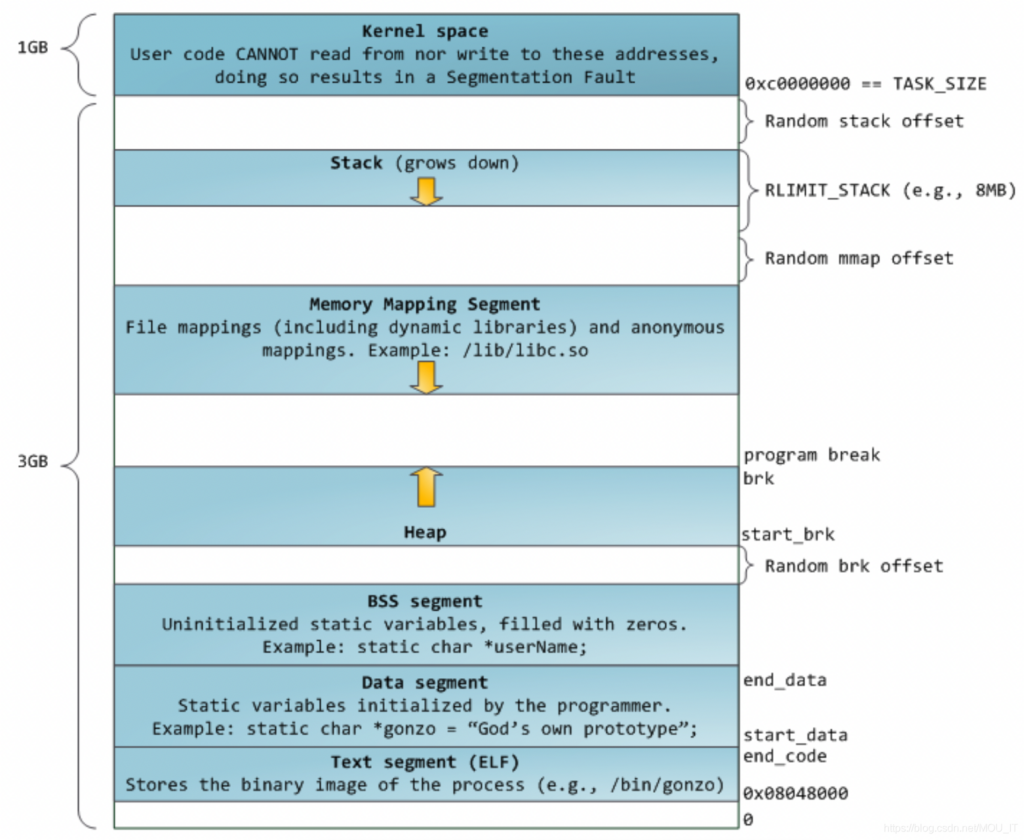
When creating a process in the operating system – it is being loaded with 4 different memory sections:
1. Text – not human text. But the machine-binary code of the executed program.
2. Data – the information of static variables being loaded with the program.
3. Stack – for temporary variables.
4. Heap – for global variable.
each type have a very unique purpose and properties we’ll not get into right now. But the important thing to know that this memory is allocated to a specific process and SHOULD NOT be accessed using different processes. The core restriction is due to concurrency, no matter if you have 1 CPU or more. It 2 processes are accessing the same memory address the result is a disaster due to the lack of synchronization.
Now, there are multiple reasons you’ll want to communicate with a running process: Getting a data of a specific query (like in DB or website), change a setting, or add outsourced data. The way to handle it correctly is letting the process take care of its own memory, but opening a “window” for talking to it.
IPCs kinds are divided into 2 major types – before the process is created, and during runtime.
Initial IPCs
Environment Variables
Although you might didn’t thought of them like this, environment variables considered a type of inter-process-communication. The important thing to remember is that the set of env variables of a process (unless being explicitly edited like in Docker or Kubernetes deployment) are being inherited directly from the parent env vars. In the example below, the process of my_program will have the FOO_VAR env var. Remember that shell is also a running process.
$ export FOO_VAR="BAR_VALUE"
$ ./my_program
PIPE
The wired | symbol in shells, transfers the output data of the process called before the symbol -> to the stdin of the next process
Runtime IPCs
Files
Well, nobody restricting 2 processes to read/write the same file. But note that this can also be fatal and usually not recommended. Not only that concurrent access must e synced, it is also not that fast compared to the alternatives.
Signals
A system message sent from one process to another, not usually used to transfer data but instead used to remotely command the partnered process. (wikipedia)
Named Pipe
A pipe that is treated like a file. Instead of using standard input and output as with an anonymous pipe, processes write to and read from a named pipe, as if it were a regular file. Note that named pipe considered safe if used with multiple writers (clients) but only one reader (server)
Socket
Not only that it allows a bi-directional communication of multiple processes it is also enables communication from 2 different machines over network interface. webservers is one implementation of sockets.
UNIX Domain Socket
Similar to an internet socket, but all communication occurs within the kernel. Domain sockets use the file system as their address space.
Of course there are many more other options available, but these are the common ones. You can check out more in wiki: https://en.wikipedia.org/wiki/Inter-process_communication